




Coolzino App
You can add the Coolzino app directly to your phone screen through your mobile browser in under ten seconds. This lightweight setup uses modern web technology, meaning it takes up almost no space on your device but still loads the exact same games, banking cashier, and live dealer streams you get on your computer.



Key Features of Cool Zino App
Here is what separates the Coolzino Casino app from opening the site in a mobile browser tab:
- Speed – PWAs store key resources locally on the device after the first load. Not the whole app, just the structural pieces that don’t change between visits. This means subsequent sessions open faster than a cold browser load would.
- Battery – Running a casino through a browser tab keeps the entire browser engine active, which pulls more power than a PWA that operates more efficiently in the background. The difference is noticeable in longer Cool Zino sessions.
- Screen Space – The browser address bar, tab strip, and navigation buttons all disappear once the Coolzino app is opened from the home screen. On a phone, that’s a meaningful part of the screen returned to the gaming experience.
- Push Notifications – Browser tabs can’t send you an alert when you’re not actively using them. The Coolzino Casino app can. Tournament reminders, new promotions, and cashback credits can land on your lock screen if you want that.
But the important detail is that live casino streams and real-time features still need a stable internet connection. The PWA format helps with loading, but it can’t compensate for a weak signal during a live blackjack hand.
Pros and Cons of Cool Zino App
Here is a direct look at what makes our web app great and where it has a few realistic limitations.
| What Works Great | Where It Falls Short |
| You can set it up in under two minutes directly from our website | You won’t find it inside the official Apple App Store or Google Play |
| It takes up almost zero storage space on your phone | High-definition live streams still require a strong internet connection to avoid lag |
| It updates itself automatically in the background | |
| It’s easier to complete the verification process because you don’t have to move photos from the phone to the desktop | |
| You get our complete game library, including all online slots that we have | |
| Supported iOS devices can use Face ID to log in instantly | |
| The same basic setup process works on Android, iOS, and even desktop computers |
Coolzino App for Android
Android installation runs through Chrome. Chrome supports automatic PWA install prompts, meaning the browser itself can offer to install the Coolzino app after a few seconds on the site.
If the prompt doesn’t appear automatically:
- Just tap the three-dot menu in the top right corner of the website and select “Add to Home Screen.”
- Name the shortcut or leave the default, tap “Add.”
- The Coolzino Casino icon appears on your home screen and opens the app directly from that point forward.
Coolzino APK
We have no Cool Zino APK. There is no reliable way to check what’s inside the file before installing it on the device when it comes from an unofficial source. Some people have used changed APKs to get into people’s phones and steal their login information or inject adware.
Coolzino Casino uses PWA technology because the installation process is done through the browser, from the official site, and there is no doubt about anything that happens. If you see an APK online that says it is our mobile casino, it did not come from the site, so please do not install it.
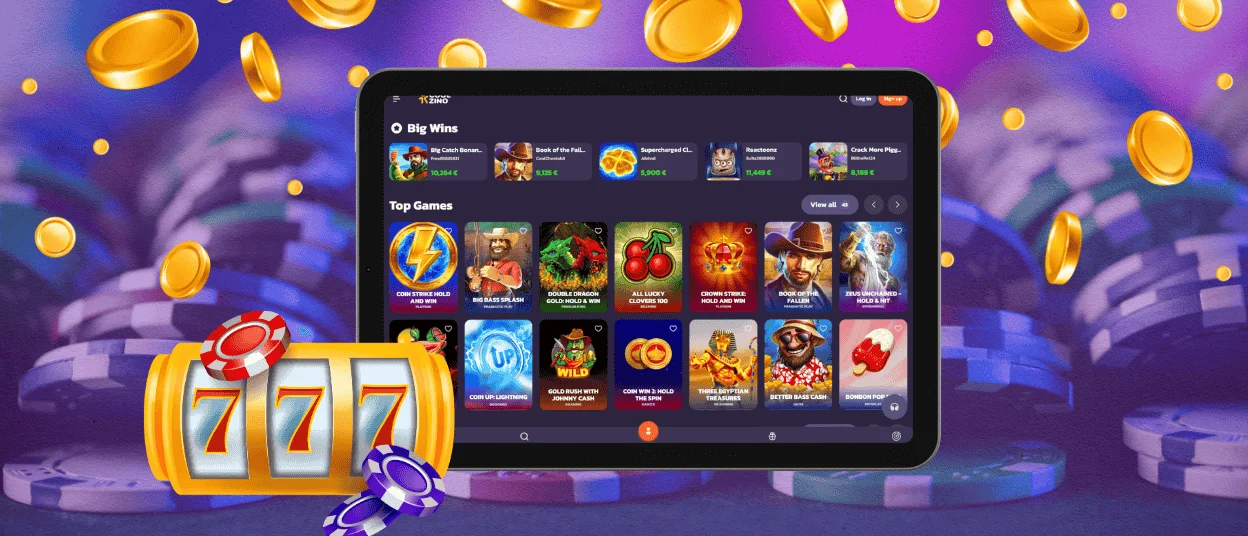
Mobile Application for iPhone and iPad
iOS users install through Safari. Apple’s system requires PWA installs to go through its own browser. The steps are slightly different from Android but equally quick:
- Open Safari and navigate to the Coolzino Casino website. Here, tap the “Share” button at the bottom center of the screen.
- Scroll down the share sheet until you find “Add to Home Screen” and tap it.
- Edit the name if you want to, then tap “Add” in the upper right corner.
On iPhone models that support Face ID, the Coolzino app will use it for login once the account is set up.
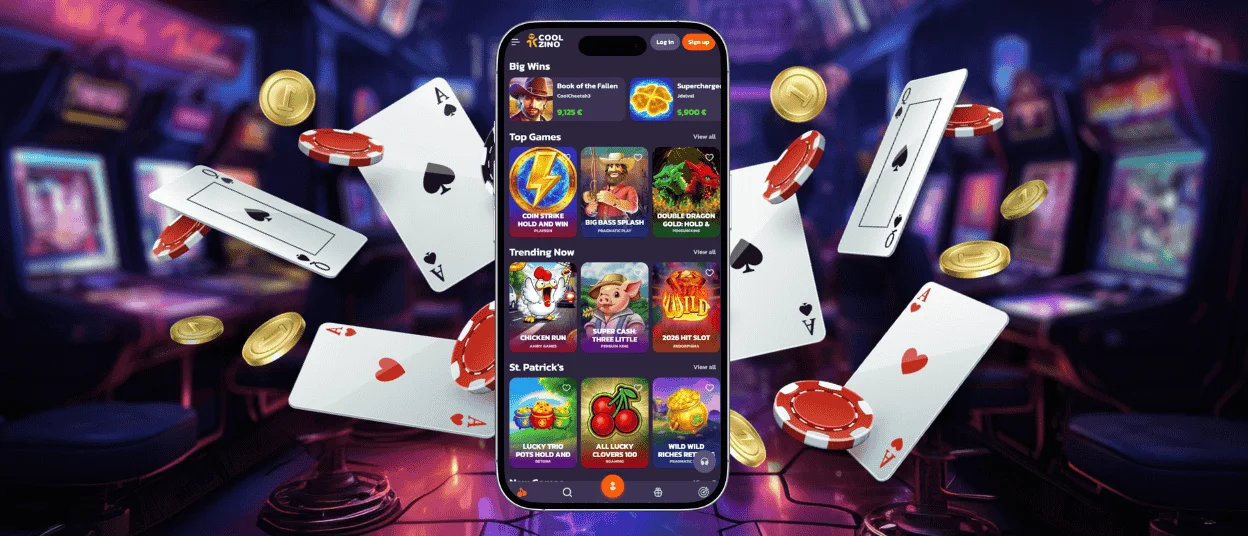
Play Cool Zino Casino on Mac or Windows
Desktop installation is the least obvious of the three options. But the practical difference is real: the PWA opens faster than a browser tab and can deliver push notifications to the desktop taskbar.
To install on Mac or Windows, open the Coolzino site in Chrome or Edge and look for a small icon that appears inside the address bar. It looks like a monitor with a small download arrow. Click it and confirm the install prompt. After this, the shortcut appears on the desktop or in the applications folder within seconds.
Device Compatibility
PWA push notifications on iPhone specifically require iOS 16.4 or later. Older iOS versions can still install and use the Coolzino app fully, they just won’t receive home screen notifications.
| Device Type | Operating System | Browser Needed | Install Method | Face ID / Biometrics |
| Android Phone / Tablet | Android 8.0+ | Chrome | Three-dot menu → Add to Home Screen | Fingerprint on supported devices |
| iPhone / iPad | iOS 16.4+ | Safari | Share button → Add to Home Screen | Face ID on supported models |
| Windows PC / Laptop | Windows 10+ | Chrome or Edge | Address bar install icon | Not applicable |
| Mac | macOS 12+ | Chrome or Safari | Address bar install icon | Touch ID on supported models |
FAQ
Can I contact the support team through the app?
Yes, the support team is available via live chat, accessible in the app and on desktop. You can text us in your language because our crew provides multilingual support. Coolzino Casino also has an email address, so you can text us there if you have documents to upload.
Is creating an account required to use the Coolzino app?
The app can be installed, and the lobby can be browsed without an account, and demo mode is available for most games without registering. Real money play, deposit and withdrawal functions, bonus access, and tournament participation all require a registered and verified account. Creating one takes a couple of minutes directly through the Cool Zino app.
Are app permissions required for core functionality?
No. The Coolzino Casino app does not request access to contacts, camera, microphone, or any other device feature to function as a casino platform. The only permission that comes up during setup is for push notifications, and that is optional. Declining it has no effect on gameplay, account access, or any other feature.


